
Quick Start#
Try LychSim with our Quick Start Package – without Unreal Engine 5 installation!
Install the LychSim Python package straight from GitHub:
pip install git+https://github.com/wufeim/LychSim.git
Download the demo scene package built for Linux from here.
Unpack the zip, then register and launch the demo with the
lychsimCLI:lychsim env add /path/to/demo # accepts the unpacked directory, or the .sh / .exe directly lychsim run demo # detached background launch; prints ip:port once ready
Test the connection and rendering:
pytest tests --server_name=0.0.0.0 -v. Rendered images will be written to thetest_outputs/folder.Explore the demo scene with our LychSim Python API!
Use lychsim ps to inspect running instances, lychsim logs <handle> -f to tail the UE log, and lychsim stop all to tear everything down when you are done. If anything looks off, run lychsim doctor to flag missing paths, plugin issues, or port conflicts.
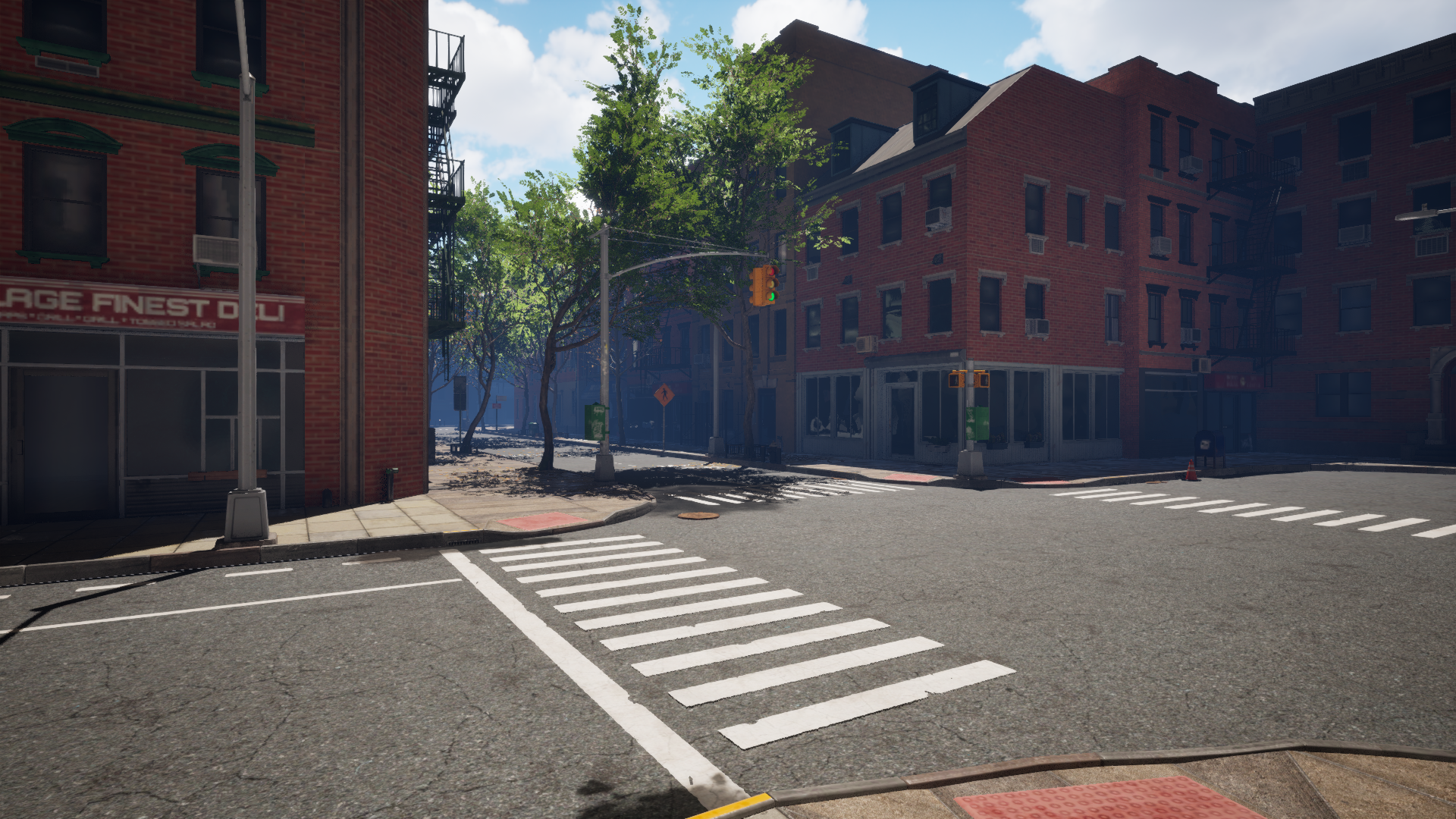
Example rendering from the demo scene.#